Kelloggs recently posted a coupon on a site called WebSavers - it's a Canadian coupon platform.
I found a coupon for a product that would be interesting to try out. 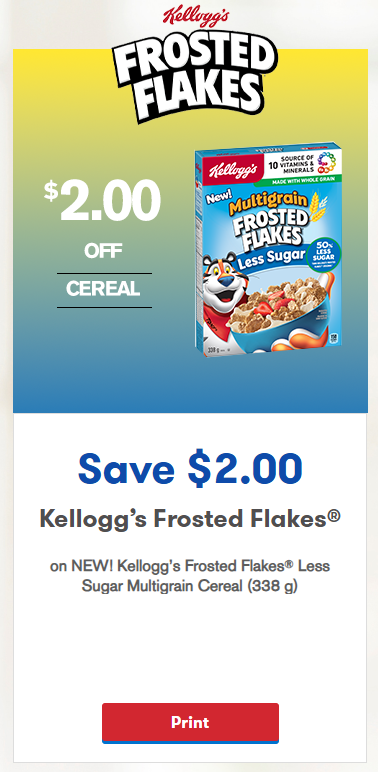
After downloading the coupon, I thought I encountered an issue with the pdf - it was showing this blank page with no coupon 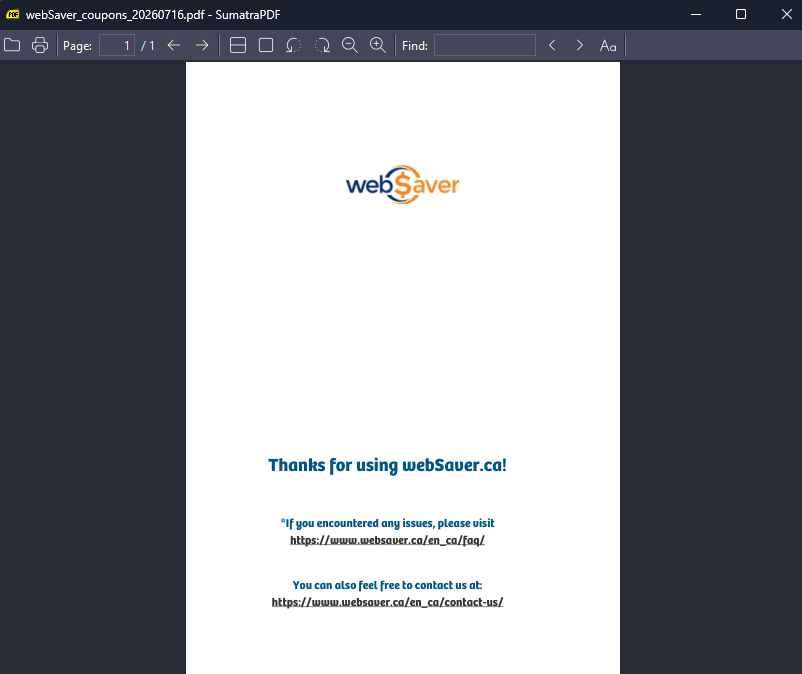
After some digging, I realized that the PDF required JavaScript to run (which seemed kind of suspicious - I thought about potential malware, but WebSavers seems like a decently trusted source)
I opened it with Adobe instead, and realized that in an attempt to prevent people from printing many copies of this coupon, or sharing it all over the internet, the Javascript implements a kind of DRM system.
- It only prints off one copy to the computer's default printer, and then closes automatically
- Once printed, you can never print it again
- The coupon "expires" 1 hour after downloading it
Since my PC has a label printer as it's default printer, I found this out the hard way. 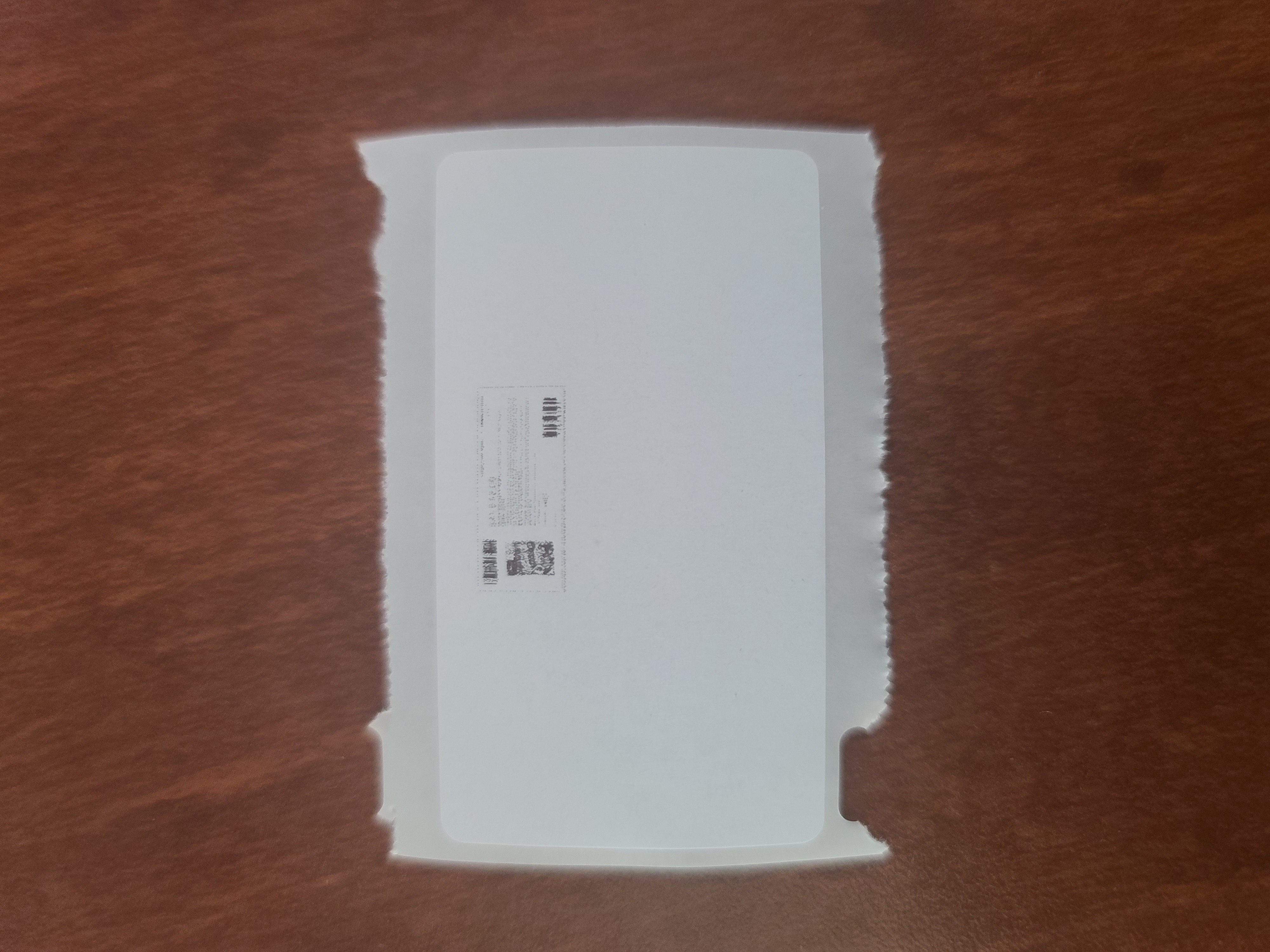
Doing Something About It
Annoyed by this very rigid system, I decided to feed the PDF to my trusted Pi coding agent (powered by the incredibly cheap and capable Deepseek v4-pro), and gave it access to pdf-parser.py
The agent did some investigation by opening the pdf with pikepdf, and extracted the plain-text javascript.
The logic was very simple, at only ~150 lines of code. When the PDF is opened:
- It sends a "getPrtStatus" request with SOAP to their pdfprtservice endpoint
- If 0 is returned -> Means its not printed -> Proceed
- If 1 is returned -> Show "Already printed" message and abort
- If 2 is returned -> Show "Expired" message and abort
- If okay, remove the blank cover images that are displayed over the coupon on the PDF
- Print silently
- Send a "setPrtStatus" request to the pdfprtservice endpoint
- Force close the document, so you can't try to print more copies
This meant that the coupon image was actually in the PDF, but just hidden up by some blank cover images.
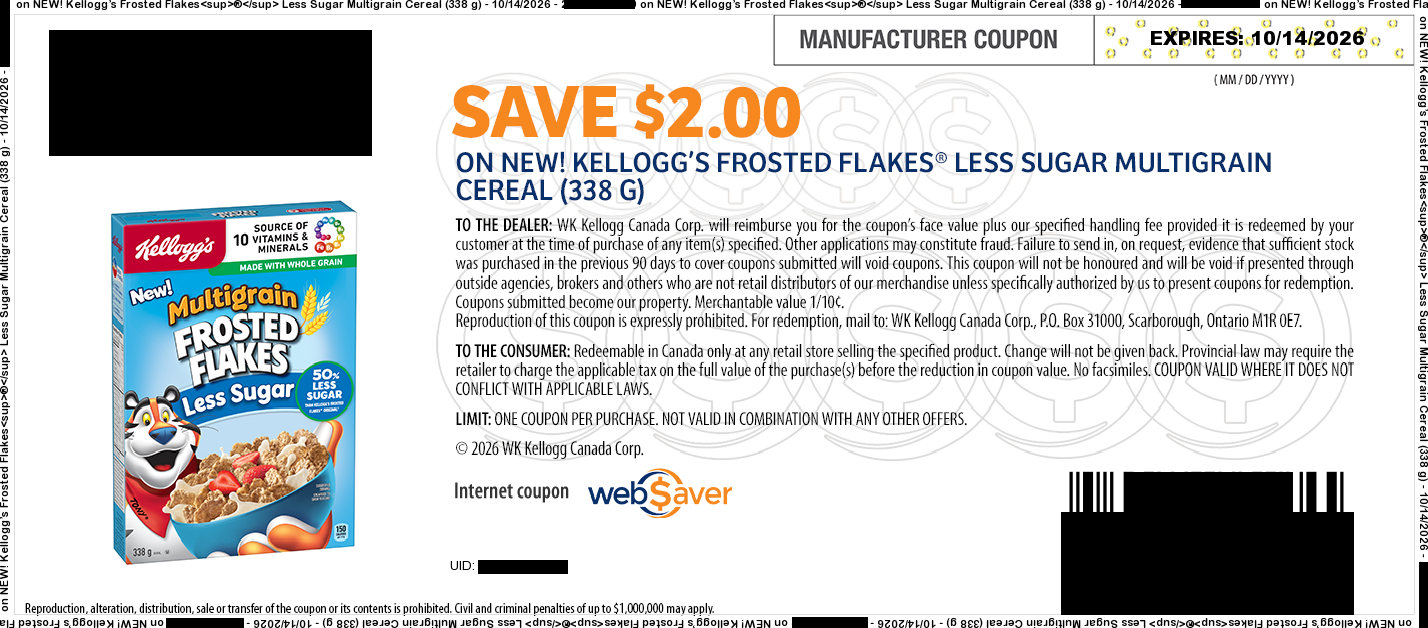
I then asked the agent to try to extract the embedded images directly from the PDF streams, completely bypassing the Javascript and OCG layer system. It used PyMuPDF, and wrote a simple script to do exactly that. When running the generated script with the downloaded and already printed/expired coupon pdf, it generated this nice coupon_image.png, which I was able to print on my regular printer.
Takeaway
It's kind of crazy what technical things regular people are capable of nowadays. I'm not an expert in PDF encoding. In the past, I would have just given up after that first "This coupon has already been printed" message, and contacting their support would have been significantly more effort than the value of the coupon.
But now, with just a tiny bit of effort, and literally a of couple cents, you can get an "expert" to take a stab at the issue in an attempt to get what you want. Pretty neat.